Customer workflow
HISE Customer Activation
Move from customer identity to entitlement and device access.
SoundSync
Activation decisions
-
Select the configured path
Use serial_only, email_entitlement, or serial_or_email as configured.
-
Prove identity
Use sign-in or the supported serial-owner/email verification path.
-
Check product access
Confirm the entitlement belongs to the requested product and customer.
-
Register the device
Use the package's machine identity and product allowance.
-
Apply the result
Enable only the intended protected access and handle rejection distinctly.
Existing accounts and owned serials
CUSTOMER_ACCOUNT_EXISTS calls for sign-in or recovery, not creation of another identity. SERIAL_OWNER_EMAIL_MISMATCH must not be bypassed by silently changing the email. An unknown serial should not become an opportunity to collect an unrelated customer's identity.
Test this in the exported product, including rejected access. The licensing overlay and actual audio enforcement have different responsibilities.
SoundSync
Verification success
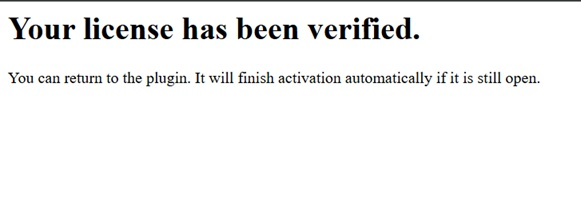
The supplied confirmation capture shows the successful email verification step for a demo product.