Storefront guide
HISE In-Plugin Store
Product browsing and customer commerce in the supported plugin WebView surface.
Browsing does not activate the audio license
The Store shows the supported developer catalog, product detail, price/offer, customer navigation, and checkout entry. My Products shows owned access. These customer surfaces use the appropriate storefront/library identity, separate from the machine licensing decision.
SoundSync
Keep the integrations distinct
| Integration | Job |
|---|---|
| HISE licensing package | Activation UI, validation, devices, and protected product access |
| HISE storefront / WebView integration | Customer browsing and owned-product access inside the plugin |
| Hosted storefront | The customer website on a supported branded host |
| Embedded storefront | The supported web commerce integration in another website |
Prepare the connected catalog
Publish the relevant products with accurate imagery, descriptions, prices, delivery, support, and branding. Check product-detail links, customer login, cart/checkout return, and expired-session behavior in the captured package/build.
Subscriptions and downloads shown in customer access must follow the current entitlement and provider state. A Store screenshot does not prove payment completion or native access enforcement.
SoundSync
Store catalog
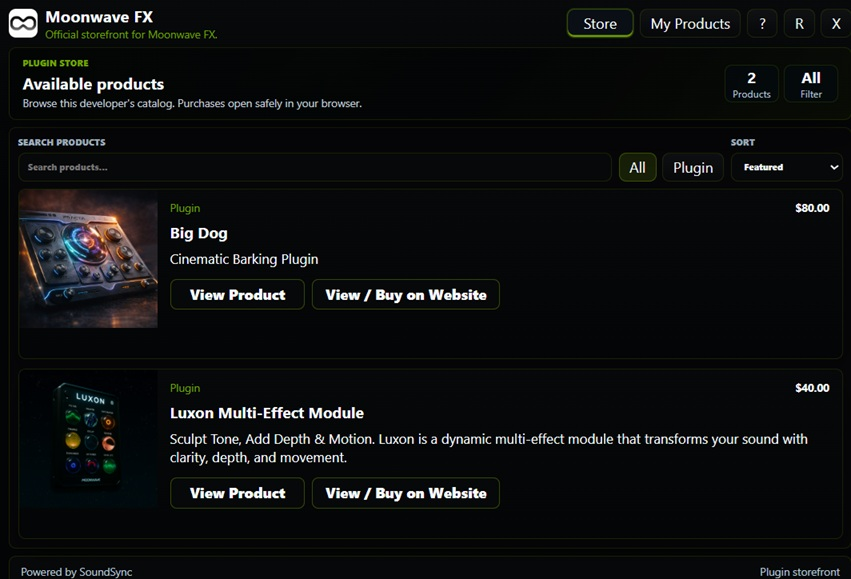
The Store catalog capture shows products, pricing, category filters, cart access, and product browsing inside the HISE surface.
SoundSync
Product detail
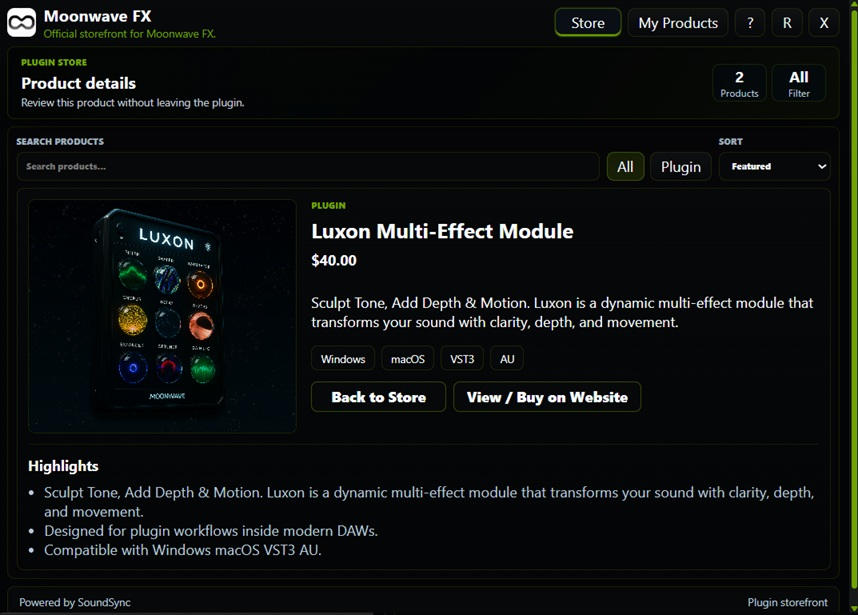
The product detail capture shows price, licensing type, format, support, and cart action inside the in-plugin Store.